
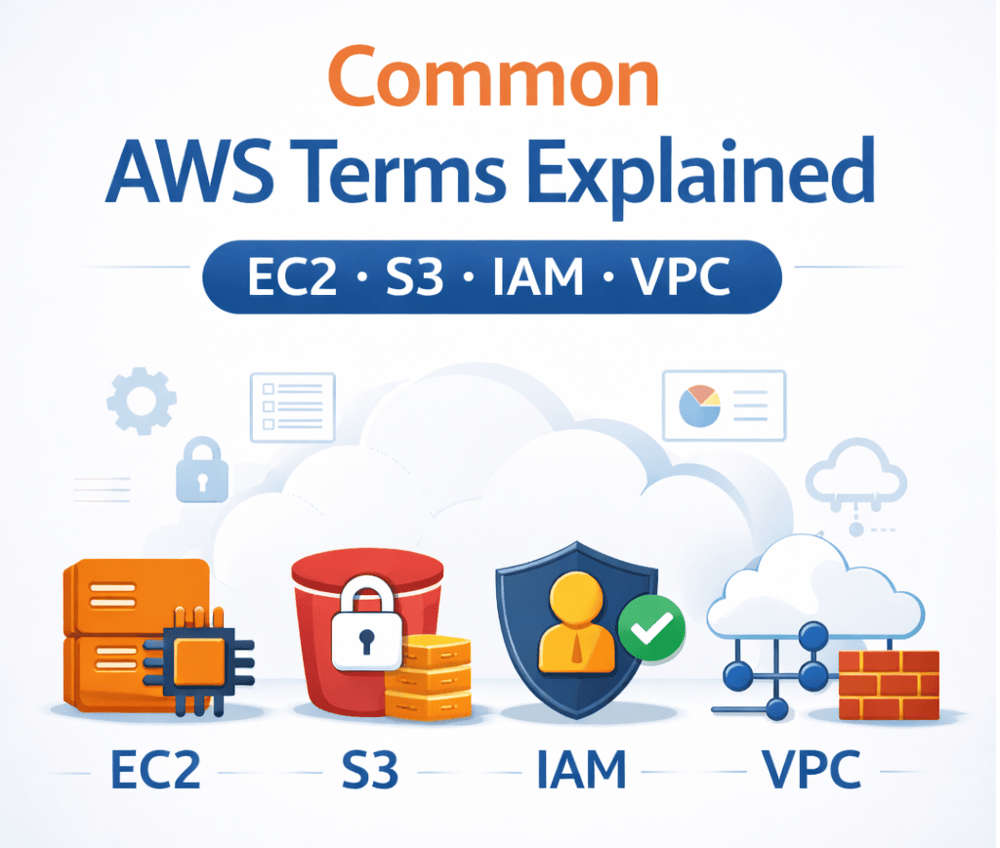
Common AWS Terms Explained (EC2, S3, IAM, VPC)
Amazon Web Services (AWS) offers a wide range of cloud services, but for beginners and even non-technical decision-makers, the terminology can feel overwhelming. Understanding core AWS terms is essential before deploying applications, managing infrastructure, or planning a successful cloud strategy.
In this guide, we’ll clearly explain some of the most common and important AWS terms—EC2, S3, IAM, and VPC—in simple language, with practical examples of how they are used in real-world cloud environments.
Why Understanding AWS Terminology Matters
Before moving workloads to the cloud, teams must understand how AWS components work together. Misunderstanding these basics can lead to:
- Higher-than-expected cloud costs
- Security misconfigurations
- Performance bottlenecks
- Poor architectural decisions
A strong grasp of AWS fundamentals also makes it easier to plan an efficient AWS Migration and avoid costly mistakes during implementation.
What Is Amazon EC2 (Elastic Compute Cloud)?
Definition of EC2
Amazon EC2 is a web service that provides resizable virtual servers, known as instances, in the cloud. These instances allow you to run applications without investing in physical hardware.
In simple terms, EC2 is the “computer” where your software runs.
How EC2 Works
With EC2, you can:
- Choose the operating system (Linux, Windows, etc.)
- Select CPU, memory, and storage capacity
- Scale servers up or down based on demand
- Pay only for what you use
Common Use Cases for EC2
- Hosting websites and web applications
- Running backend services and APIs
- Processing data and batch jobs
- Supporting development and testing environments
EC2 gives businesses flexibility and control while eliminating the need for on-premise servers.
What Is Amazon S3 (Simple Storage Service)?
Definition of S3
Amazon S3 is an object storage service designed to store and retrieve any amount of data from anywhere. Unlike EC2, S3 does not run applications—it stores files.
Think of S3 as a highly secure, scalable cloud hard drive.
Key Features of S3
- Virtually unlimited storage capacity
- High durability (designed for 99.999999999% durability)
- Built-in security and access controls
- Easy integration with other AWS services
Common Use Cases for S3
- Storing backups and archives
- Hosting images, videos, and documents
- Serving static website content
- Data lakes and analytics storage
S3 is widely used because of its reliability, scalability, and cost efficiency.
What Is AWS IAM (Identity and Access Management)?
Definition of IAM
AWS IAM is a service that helps you manage access to AWS resources securely. It controls who can access what within your AWS account.
IAM focuses on authentication (who you are) and authorization (what you are allowed to do).
Core IAM Components
Users
Individual people or applications that need access to AWS.
Groups
Collections of users with shared permissions.
Roles
Temporary permissions assigned to AWS services or external users.
Policies
Rules that define allowed or denied actions on AWS resources.
Why IAM Is Critical for Security
Misconfigured permissions are one of the biggest causes of cloud security breaches. IAM allows organizations to follow the principle of least privilege, ensuring users only have access to what they truly need.
What Is Amazon VPC (Virtual Private Cloud)?
Definition of VPC
Amazon VPC lets you create a private, isolated network within AWS where you can launch and manage your resources securely.
It’s similar to having your own data center network, but hosted in the cloud.
Key Components of a VPC
Subnets
Segments of your network, often separated into public and private zones.
Route Tables
Control how traffic moves within the VPC and to the internet.
Security Groups
Virtual firewalls that control inbound and outbound traffic.
Network ACLs
Additional security layers for controlling traffic at the subnet level.
Why VPC Is Important
A properly designed VPC improves:
- Security and isolation
- Network performance
- Compliance with regulations
- Control over data flow
VPC architecture plays a major role in enterprise-grade AWS deployments.
How These AWS Services Work Together
AWS services are designed to integrate seamlessly.
For example:
- EC2 instances run your applications
- S3 stores application data and backups
- IAM controls access to EC2 and S3
- VPC provides a secure network for everything
Understanding these relationships is essential when designing scalable and secure cloud architectures.
AWS Terms and Cloud Migration Planning
When planning a cloud move, businesses must understand how these services align with their workloads. During an AWS Migration, teams typically:
- Move servers to EC2
- Transfer files and backups to S3
- Configure IAM roles and permissions
- Design secure VPC networks
Without a clear understanding of these terms, migrations often face delays, cost overruns, and security risks.
Common Misunderstandings About AWS Terms
EC2 Is Not Physical Hardware
EC2 instances are virtual machines, not physical servers you own.
S3 Is Not a Traditional File System
S3 stores objects, not files in folders like a local drive.
IAM Is Not Optional
Skipping proper IAM configuration can expose your entire cloud environment.
VPC Is Required for Security
Using default networking without customization may not meet security or compliance needs.
Final Thoughts
AWS may seem complex at first, but understanding foundational terms like EC2, S3, IAM, and VPC makes everything else much easier. These services form the backbone of most AWS environments and are critical for performance, security, and scalability.
Whether you’re a beginner, business owner, or IT decision-maker, mastering these core concepts helps you make informed cloud decisions, control costs, and build reliable systems in AWS.





0 Comments